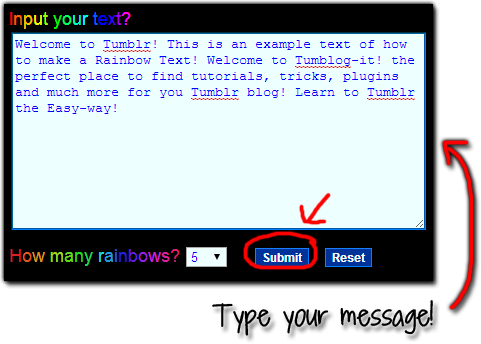
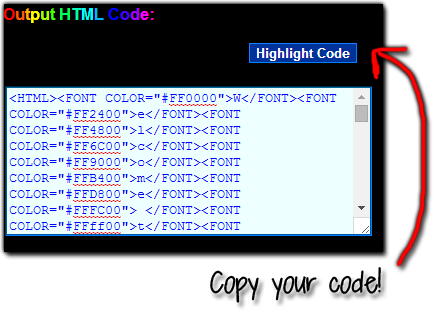
Hello Everyone! Remember the Rainbow Text Tutorial? There's another website! -- Glitter-graphics.com, allows you to convert any text into rainbow! There's one small difference from Glitter-graphics.com than the previous tutorial you won't be able to choose how many rainbows you can add to the text.
Let's start making some rainbows, shall we?
1. Let's go to the website Glitter-graphics.com to start our rainbow. Click HERE.
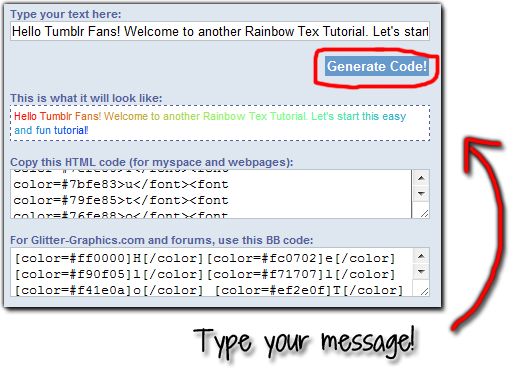
2. Now where it says "TYPE YOUR TEXT HERE" write whatever text you want to change into rainbow colour.
3. Click on GENERATE CODE.
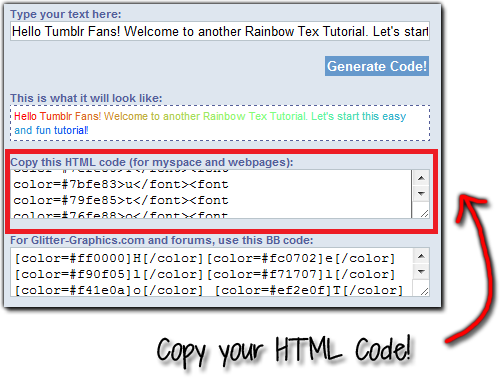
4. Choose the option that says COPY THIS HTML CODE and copy-it.
5. Let's Log in your Tumblr. On the DASHBOARD find the Customize Theme.
6. Click on the EDIT HTML and PASTE the code where you want to have the rainbow text.
7. Remember to UPDATE PREVIEW to see how the text looks -- if you like it just click SAVE and then CLOSE. And you're done!
Note: If you're trying to send the rainbow text as a post (Aa) it won't work. I try already to send my rainbow text as a post on the dashboard but it didn't work only appears underline. It does work on your Tumblr blog.